Tips & Tricks
Practical guides for mounting, lighting, and deploying iPhones for AI visual inspection on the production line.
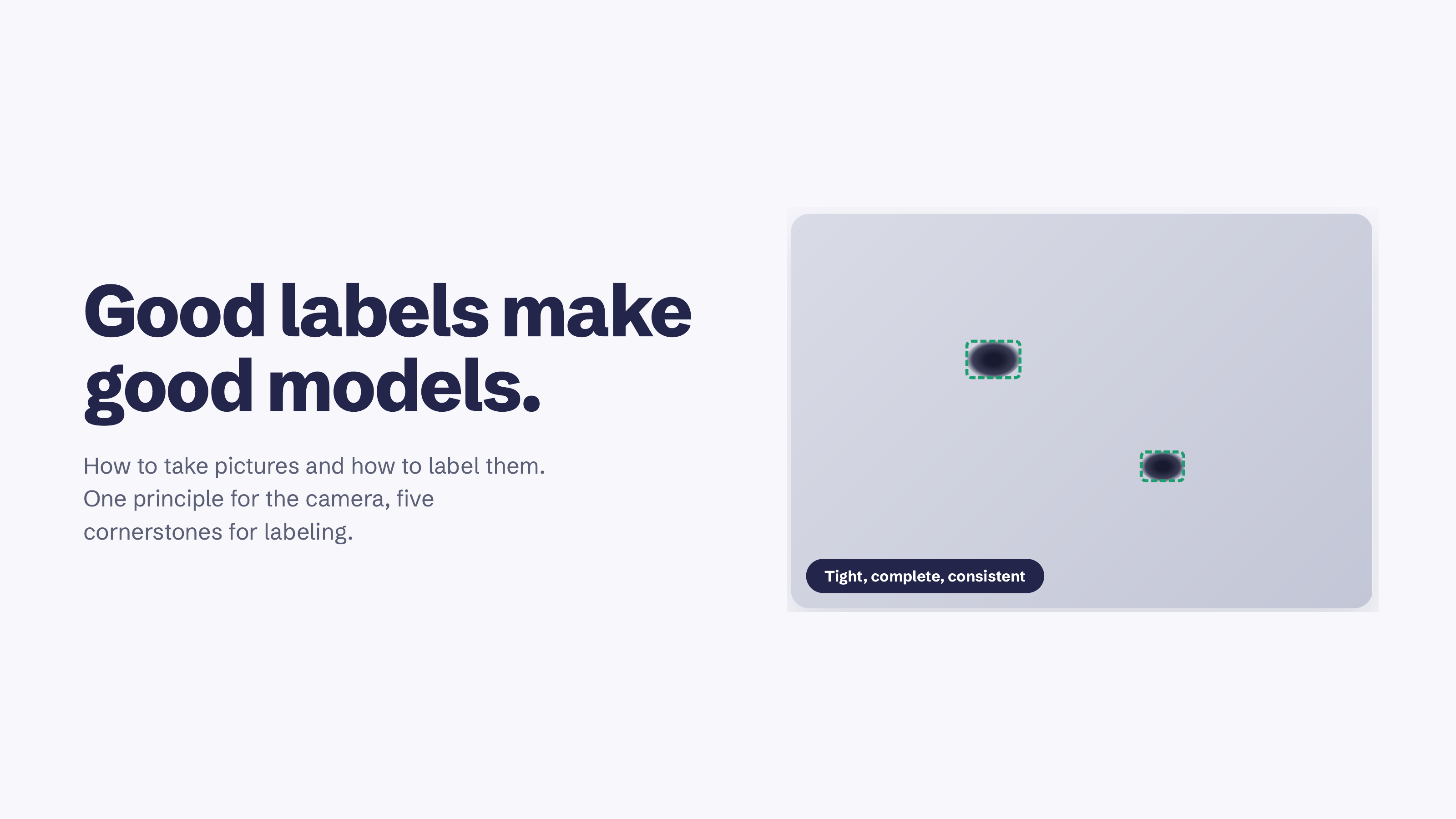
How to label defects for AI visual inspection: a bounding box annotation guide
Everything we got wrong about labeling defects before we got it right. One rule for the camera, five for the box, and four things we only learned by doing it badly first.
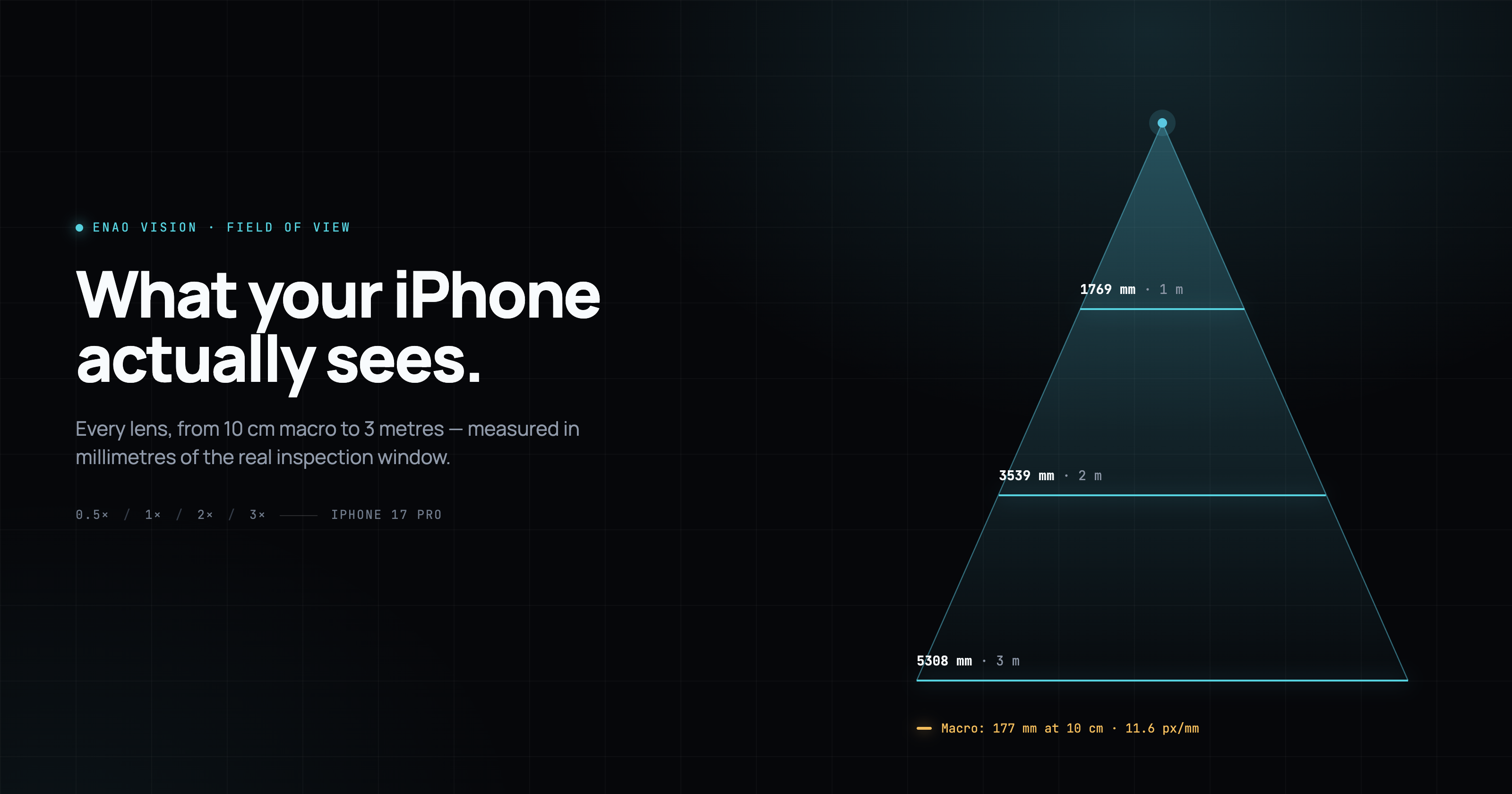
How small a defect, and how big a product, can one iPhone actually inspect?
iPhone field of view from 10 cm macro out to 3 m, per lens and per working distance. How iPhone Pro's four lenses cover what three Keyence IV4 or Cognex sensors would need.
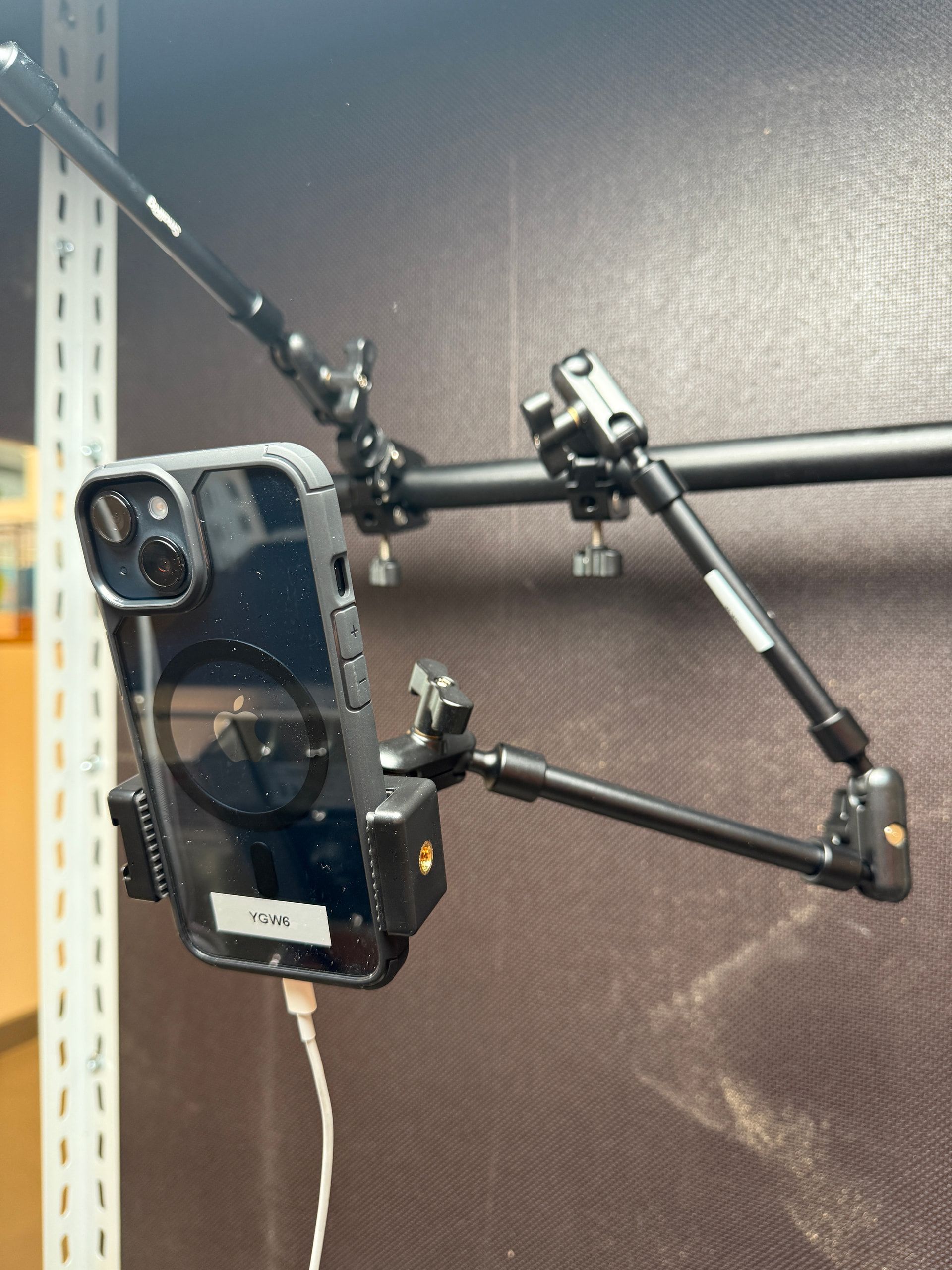
How to mount your iPhone on the production line: 3 ways that work
Three practical ways to mount an iPhone for AI visual inspection: a €40 flexible clamp, a custom Bosch profile rig, and SP Connect for teams swapping iPhones between lines.
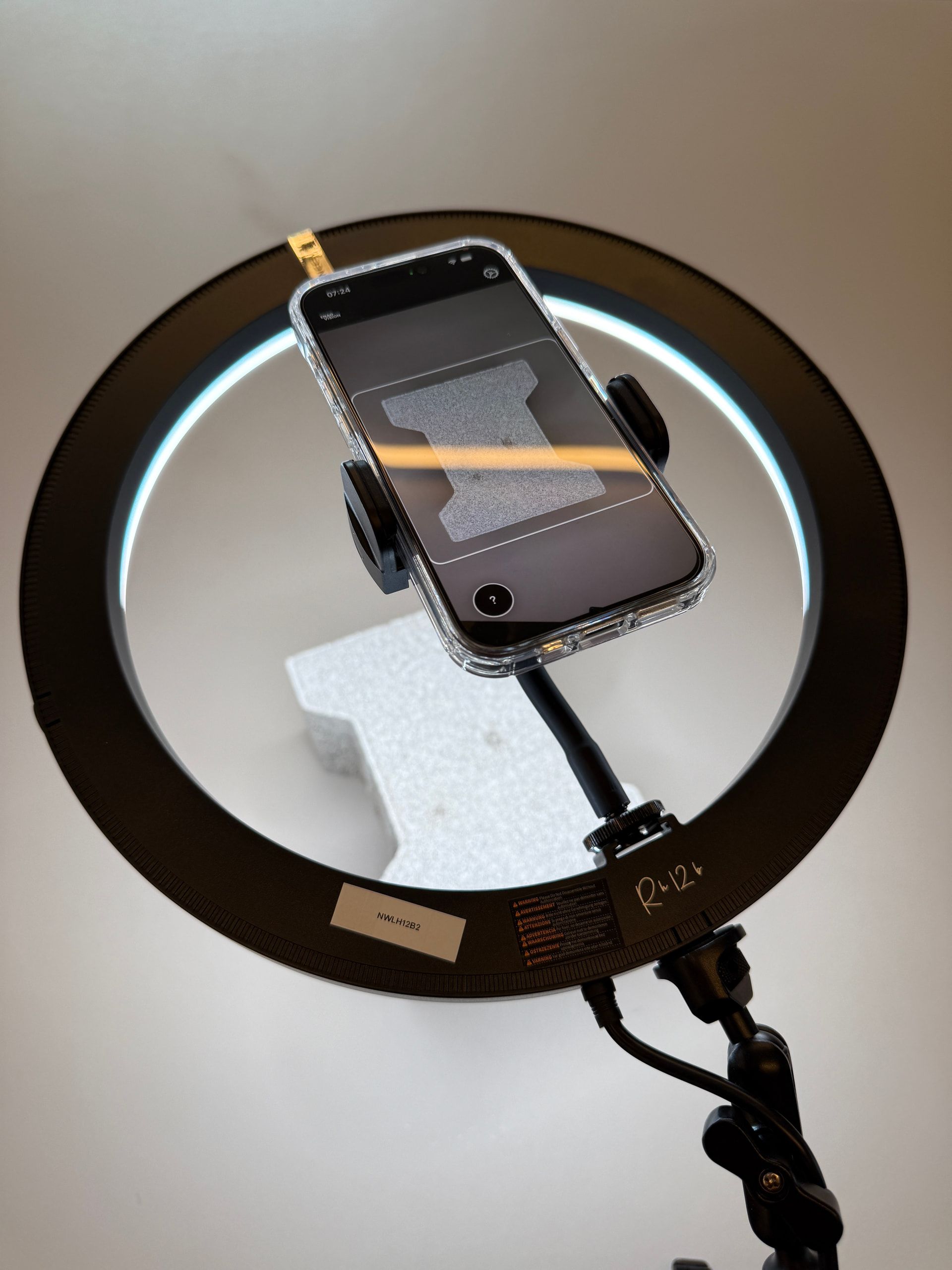
Why your AI visual inspection doesn’t need a EUR 500 light (and what actually works)
The machine vision industry sells EUR 500+ lights. Most production lines need an EUR 80 ring light or a side spotlight. Here is what actually works on a real shopfloor.
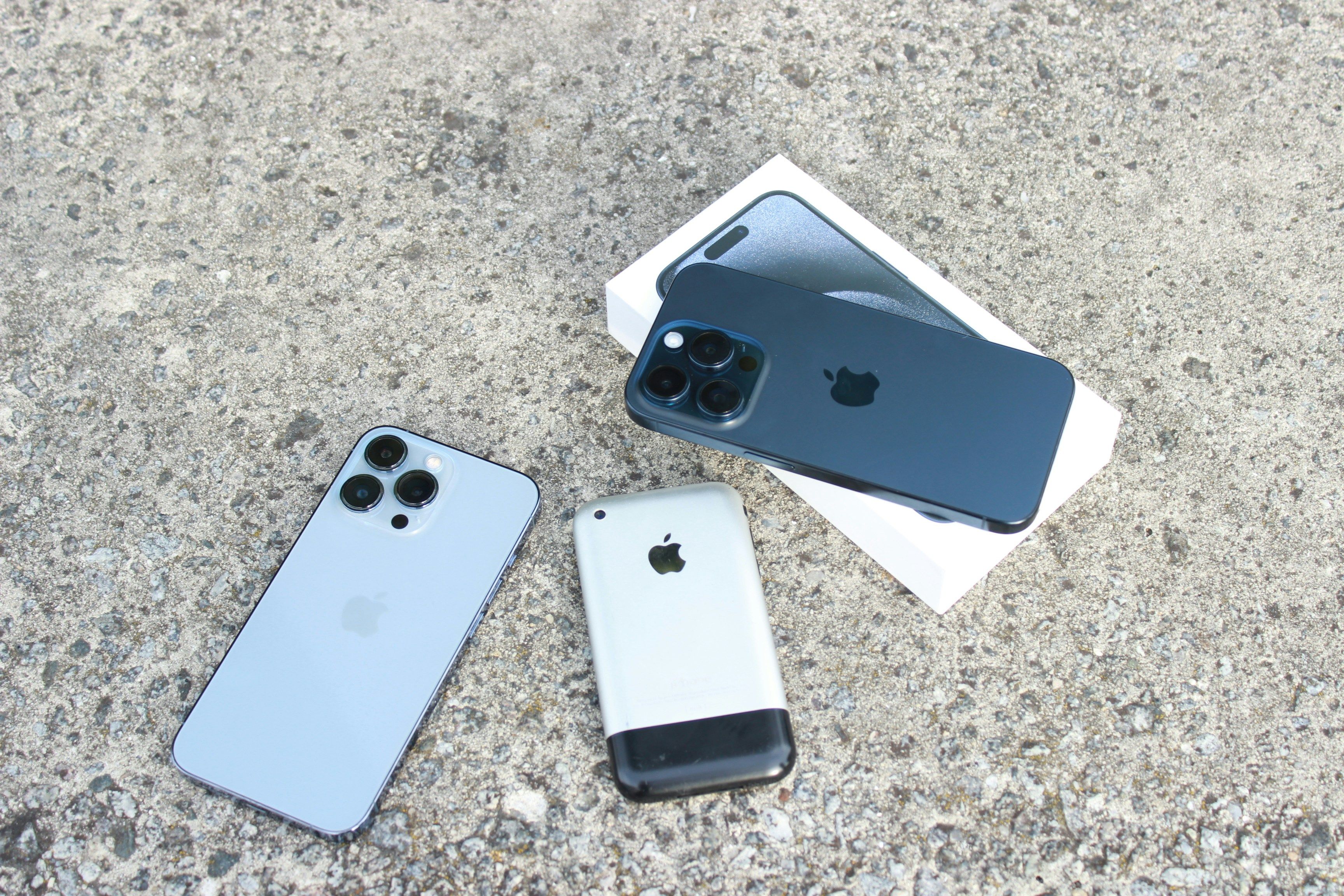
iPhone for industrial quality control: which model and how to deploy
Enao works on any iPhone, but the model you choose matters. Here's what to pick for production use, USB-C setups, and advanced inspections.