24 Volt Out of an iPhone: Automating Defect Sorting at a Tile Factory
We installed an iPhone on a live ceramic tile line and wired it to a pneumatic pusher. The full setup, from digital signal to 24 volt reject pulse.
Most production lines still run on analog signals, usually a 24 volt current driving pneumatic actuators and gates, while an iPhone speaks purely digital. Bridging those two worlds is what the Enao Vision Bridge does.
The setup is deliberately small. A USB-C cable runs from the iPhone into the Vision Bridge, and a DB9 connector runs from the Vision Bridge into the machine. When the iPhone flags a bad part, the bridge puts out 24 volts downstream, and whatever the line already has, a pneumatic pusher, a diverter gate, or an air blast, does the physical work of removing the part.
Installing it does require an electrician on site, since you are working with 24 volt wiring on a live machine. For lines that already have a PLC speaking a digital protocol, the I/O box is optional and the same result can be achieved over OPC UA, sending the reject signal from the iPhone straight into the controller.
This was filmed at Zahna, a ceramic tile manufacturer in eastern Germany, during a live install on their production line.
Transcription de la vidéo
Can an iPhone be used to automatically sort out products on a production line, a process that is usually done by humans and takes a lot of effort and time?
It's 6:40 in the morning and I'm on my way to the production site. Together with my colleague Viet, I'm visiting Zahna, a manufacturer of ceramic tiles.
So how does a defect that the iPhone catches become a physical reject on a production line? That's a very interesting part of our solution, and it's a little piece of magic that lives inside this box, our so-called Enao Vision Bridge. It's a small I/O box that we developed. Since your iPhone sends out purely digital signals, we wire these signals via a USB-C cable to the Enao Vision Bridge, and the Vision Bridge converts the signal into a 24 volt signal, sending out on nine pins through a DB9 connector that you can then use downstream in your processes. So depending on the physicality of your products, you can blow out defective products, or you can have a gate that separates them. Essentially the magic happens inside the box.
I'm really excited to see it in action. So Viet, can you explain the process to me? How did you install the bridge?
So we have the Vision Bridge here. It has a USB-C port and a DB9 connector, and we connect the bridge with the phone. As soon as the phone recognizes a bad product, that signal is sent to the bridge, and then the bridge puts out the 24 volts for the consumer. The consumer in our case is a little pusher, pushing the product off the line.
It's important to mention that setting up the Enao Vision Bridge requires knowledge about electricity, so an electrician on site. If you have a PLC that speaks digital signal, you can also achieve the same thing via a digital connection. For example OPC UA, sending a signal digitally from the iPhone to your line, essentially achieving the same goal.
I hope you enjoyed this video. If you want to see more of that, please follow our YouTube channel, where we are demonstrating using the iPhone as an industrial vision sensor for industrial automation. And because we are such nerds and we love manufacturing, we will leave you with some very romantic footage that we shot on site. See you next time.
À voir ensuite
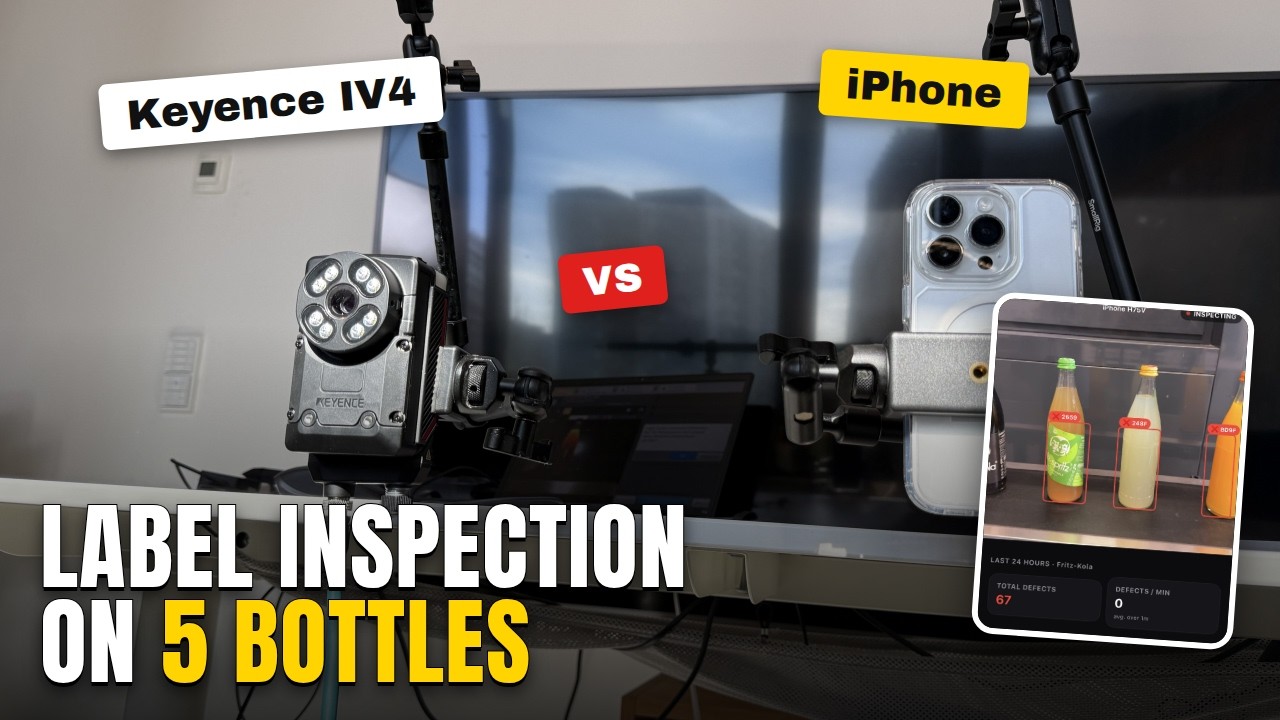
Automated Visual Inspection: Keyence IV4 vs iPhone, 5 Bottle Types
Label presence and alignment, straight from Keyence's own IV4 page. Five Fritz-Limos, trained on three, tested on two neither device had seen before.
Publié le 30 sept. 2026
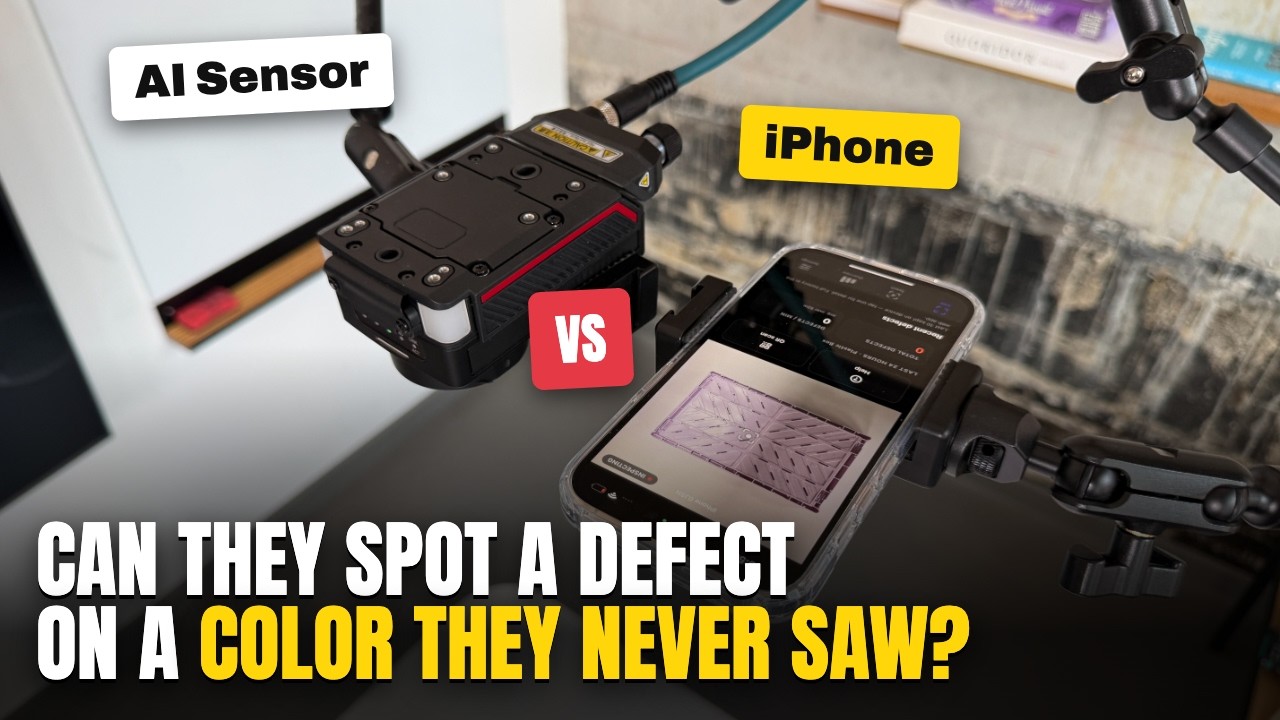
Surface Defect Detection: Keyence IV4 vs iPhone
A Keyence IV4 and an iPhone trained on the same injection molding defect, then tested on a color neither had seen. Teaching speed vs detection performance.
Publié le 11 sept. 2026
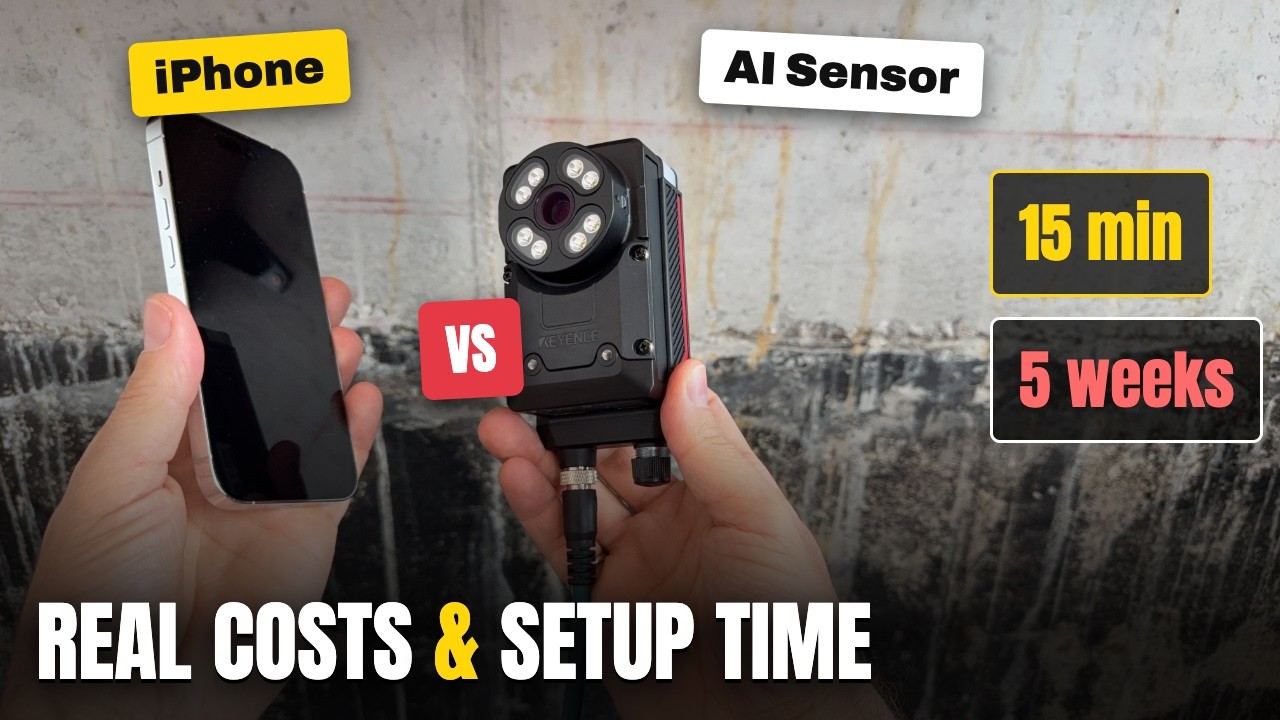
AI Vision Systems: Real Costs and Time to First Result
We bought a Keyence IV4 and tracked every euro and every day to a first image, then ran the same test on an iPhone. Here is what each one really costs.
Publié le 1 sept. 2026
Abonne-toi pour ne rien manquer
Toutes les quelques semaines, nous publions une nouvelle vidéo sur la mise en place d’un poste d’inspection avec un iPhone, l’entraînement d’un modèle sur des pièces réelles et la lecture des résultats en atelier. Abonne-toi sur YouTube pour les voir en premier.