Surface Defect Detection: Keyence IV4 vs iPhone
A Keyence IV4 and an iPhone trained on the same injection molding defect, then tested on a color neither had seen. Teaching speed vs detection performance.
Can a machine vision sensor detect a surface defect on a product color it has never seen? We put a Keyence IV4 and an iPhone side by side on the same injection molded plastic box to find out.
The defect is overmolding, or flash, the classic injection molding problem where too much plastic flows into the tool and closes holes that should be open. We trained both devices on two colors of the same box, then tested them on a third color neither had seen.
On teaching speed the Keyence IV4 wins. Two or three reference images and it is calibrated in minutes, where the iPhone needed 25 labeled examples and about five minutes of drawing bounding boxes. On the trained colors both devices work. On the unseen color the iPhone still finds the flash, including handheld from different angles and in different light, while the Keyence IV4 becomes unstable and, depending on how the part sits under the camera, classifies a defective box as good with no indication of why.
A smart sensor makes sense for low mix, high volume lines where the product does not change. For high mix production with changing colors, shapes and lighting you need a model that generalizes, and that runs on an iPhone. One honest caveat: this is a small test, three colors, one defect type and 25 training examples. It shows the direction clearly, but it is not a statistically rigorous benchmark. Surface defect detection is also not what a vision sensor is designed for, and the next two videos in this series go to the sensor's home ground, packaging checks and OCR.
Transcripción del vídeo
Surface defect detection, iPhone versus machine vision sensor. We put a Keyence IV4 and an iPhone side by side on the same injection molded plastic box. The job is to detect one defect type, overmolding, or as most people call it, flash. Machine vision sensor versus iPhone. The game is on.
So we have the setup here, the iPhone mounted next to the machine vision sensor, and today we are taking on one of the most common problems in plastic injection molding, which is overmolding. You can see it here as small holes that have an overflow of plastic. I came a long way to find an injection molded product that actually matches my t-shirt color, so I am looking forward to the test.
So how do the defects look? These are injection molded products. Injection molding is the manufacturing process where hot plastic flows into the tool and then cools down, which gives the product its form, and you can see this by looking at the small pins here. These are quite nice boxes. You can open them, and each of the parts is separately injection molded, five separate parts that clip together.
So what are the defects? The defect is a classic one and it is called overmolding. Overmolding is the problem of having too much plastic flowing into some parts of the tool, which means there is too much plastic closing some of the holes. Sometimes it is so drastic that a hole is completely closed, which is not good, because you want the water to flow out of this box. It can also happen across the whole surface. So I have one defective part, overmolded here, then the same color with no defects, where the holes are perfectly molded. And then I have them in different color variations, one in lavender with the same defect, and one in pink, same as my shirt, which is also defective.
So what is the goal of this test? We will try to teach the iPhone and the vision sensor that defect, train each on two different colors, and see how well it detects the defect on a color it has not seen. For training we have one defective product and one OK product.
The connection for the Keyence sensor is via a power over ethernet cable, which goes to the PoE adapter, and then a long ethernet cable that runs below the table into the Windows PC and streams the images in over the cable. For the iPhone, since the solution is browser based, it is very simple. There are no cables. The connection is over Wi-Fi and you see the images flowing into the browser.
You can already see a difference. The industrial sensor tries to optimize for contrast and color, which are key components for the more classic algorithms it uses for defect detection, so the images do not look especially Instagrammable. The iPhone gives you very good pictures, and with a very powerful GPU you have much more flexibility to deploy strong AI models on that setup. One general feature of a smart sensor is that it comes with integrated lights. The iPhone also has a light, but not as powerful. You can see the sensor flashing every 50 milliseconds, and the iPhone next to it sees the flicker too. I do not want a headache, so I will switch it off for now. We start testing with the iPhone, and once we are done we switch the Keyence sensor back on. Unplugging the cable now. Ciao ciao, Keyence sensor.
Training the AI models for the iPhone is straightforward. You take the iPhone, snap a couple of pictures of defects and good products, mount the iPhone back in the clamp, and upload the images to our software. Then you go through them and label the defects with bounding boxes one by one. In this case we did 25 examples and it took us around five minutes to label them. Of course you can label more.
So let us see how the iPhone is doing. The models are loaded on device, so we put the parts below the camera. You can see it is not super stable yet, only trained on 25 defects, but it sees the overmolded position. Now a good one, and the detection is correct. Then the different color, which was also in the training dataset. Now the final question. Can it also do this on the part it has not seen in training, in a completely different color, where the overmolded area is even a bit damaged? And yes, it does. Not surprising, since the AI training does a lot of augmentation in terms of color, so it catches these things quite nicely.
Let us also try this in handheld mode. You can see it is really resilient. I have the iPhone in my hand now, and the advantage of a handheld device is that you can use it flexibly to inspect for defects, and it is doing a great job even from different perspectives and different light conditions. It is very robust to change, and it handles the different colors well. So the iPhone test was very successful.
Now we set up the Keyence sensor. We plug in the ethernet cable and go to the Keyence software on the Windows PC. The process is a bit different for smart sensors. They learn from good and bad examples, but not marked with bounding boxes, really just learning the shape and the color variation. So we take the same three examples we used to train the iPhone and provide them as good and bad examples. This way we calibrate the camera and make it learn the features that tell the good and bad parts apart.
We are done with the calibration, which goes quickly on a smart sensor. You do not need to go through hundreds of labels, you can provide two or three examples. And the solution works well on the examples the Keyence sensor has already seen. Here is the third color, which was also in the training dataset, and it correctly classifies it as not OK.
The big question is how well these things generalize, because in the end it only saw three examples and it needs to generalize to all colors and product variations. Here is our fourth product, the lavender color it has not seen in training, and you can see it is getting quite shaky. Depending on how you put it below the camera, it even classifies it as a good example, without telling you why it is classified as good or bad. It is just giving you a misclassification. So overall, sorry smart sensor, but generalizing to different product types and colors is definitely not the strength of these systems.
Final comparison, iPhone versus machine vision sensor, on two axes. First, the speed of teaching. Second, the performance of the detection results.
Starting with teaching speed. Setting up the Keyence IV4 is quite effortless. You provide two or three reference images, and that scales with your products, so if you have 35,000 product variants you need a lot of reference images, and generalization is not very good. But if you have a low mix, high volume production, it can be a good solution, and it is very fast. You can set it up in minutes. The iPhone sits on a completely different technology, resilient AI models that need specific examples of defects. It localizes the defects and tells you what they are, but it is a bit more effort to set up. So judging on teaching speed alone, the Keyence sensor, and smart sensors in general, win.
On detection performance, which is the one you are most interested in. Under trained conditions both the Keyence and the iPhone detect the defects they were trained and calibrated on, which is natural. But once you change the perspective, the training approach of the smart sensor breaks, whereas the more resilient AI model lets you move freely, because it has learned that the defect is in that region. The smart sensor is also not a cloud based solution, so there is no active labeling, no defect type, location or size. With the more resilient AI model you get which defect and where, and you can verify whether a detection is correct and why. On unseen products and new colors the smart sensor is completely flickering. So I would not apply smart sensors where you have high mix production with a lot of change, in light, in color, in shape. For those you need a more robust AI approach, and that can be deployed very easily on an iPhone. Overall, on robustness and performance, the iPhone wins, because it has the benefit of being connected to the cloud all the time and draws on the most performant AI models.
Sigue viendo
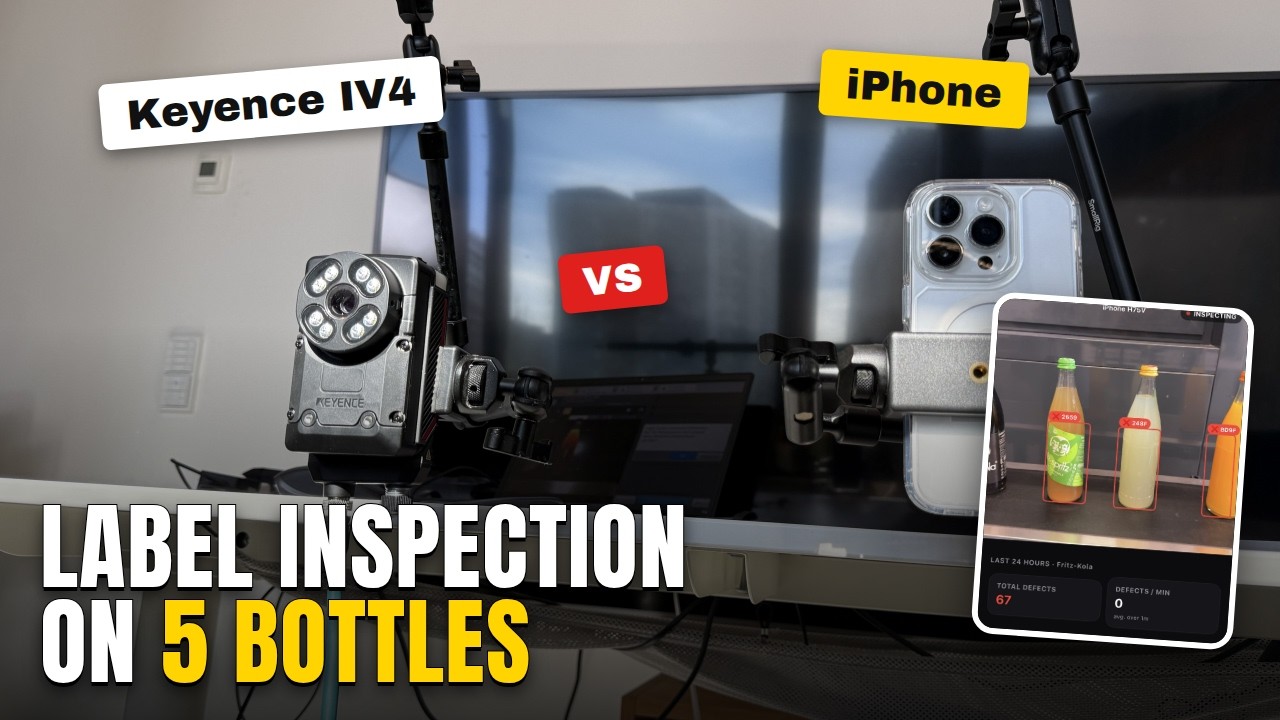
Automated Visual Inspection: Keyence IV4 vs iPhone, 5 Bottle Types
Label presence and alignment, straight from Keyence's own IV4 page. Five Fritz-Limos, trained on three, tested on two neither device had seen before.
Publicado el 30 sept 2026
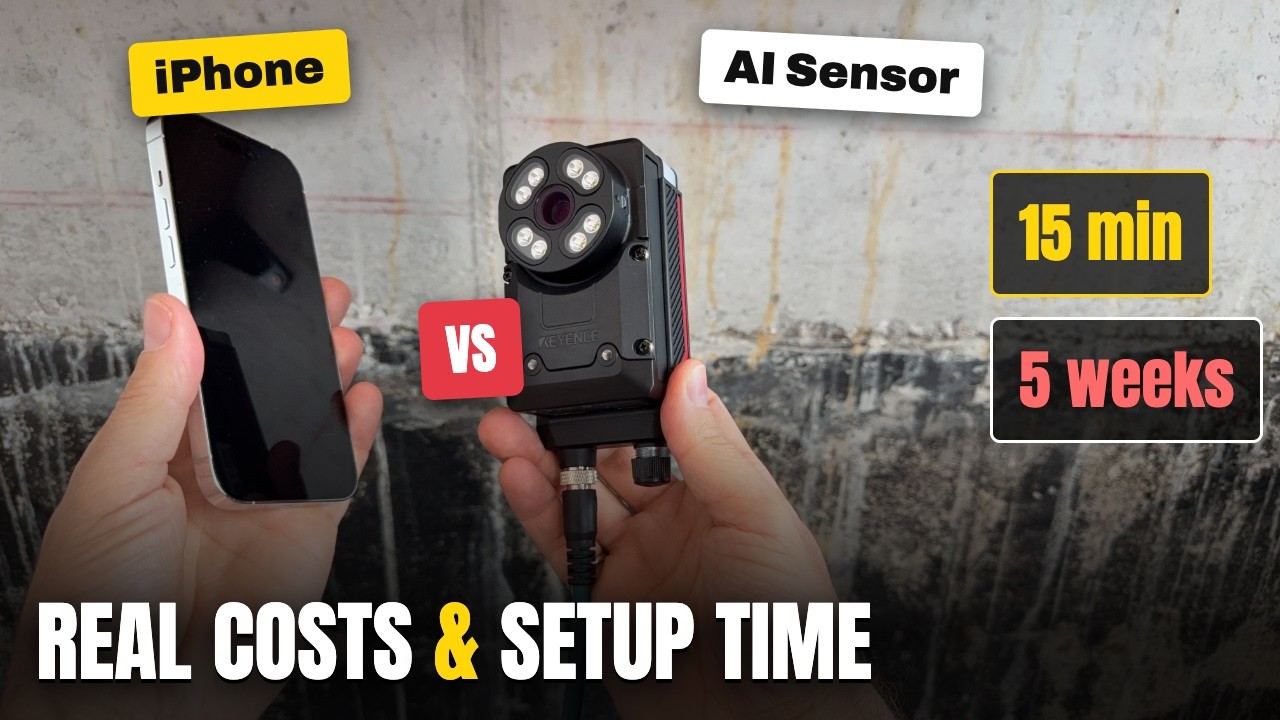
AI Vision Systems: Real Costs and Time to First Result
We bought a Keyence IV4 and tracked every euro and every day to a first image, then ran the same test on an iPhone. Here is what each one really costs.
Publicado el 1 sept 2026
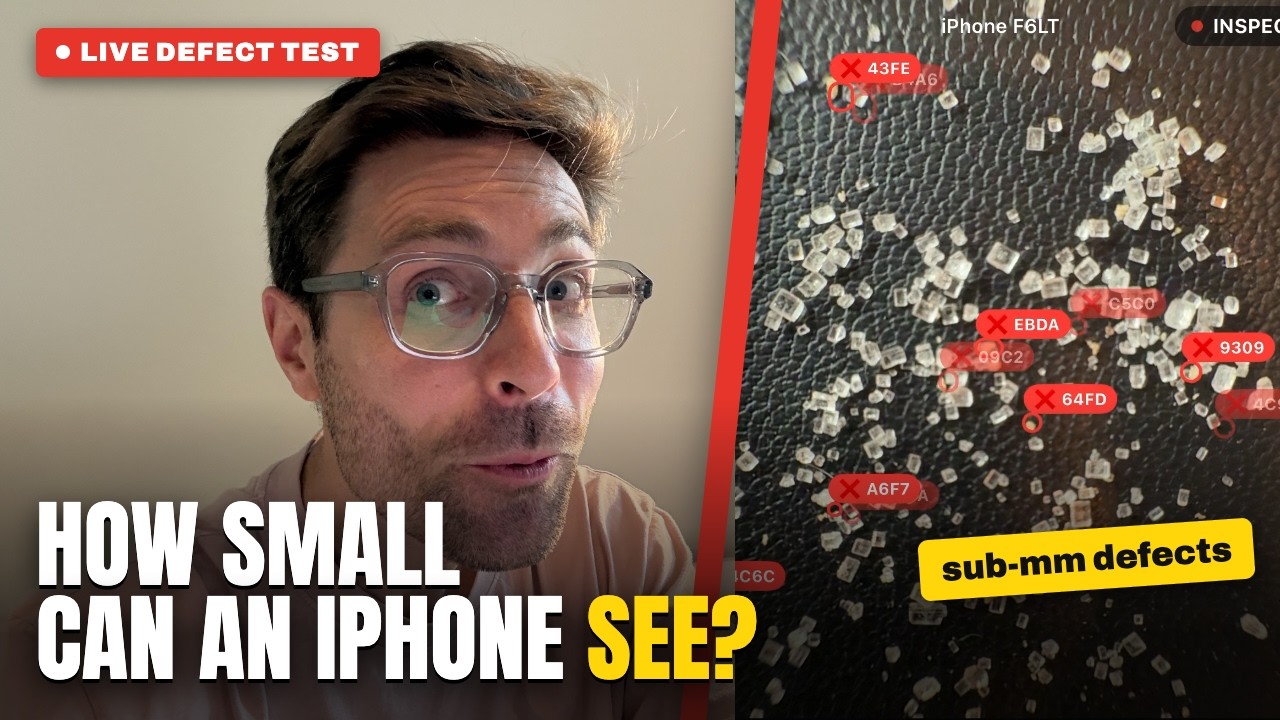
How Small a Defect Can an iPhone Detect? Sub-Millimetre Sugar Test
Two piles of sugar, one contaminated with sub-millimetre foreign material. We tested whether an iPhone Ultra Wide macro lens catches what the eye misses.
Publicado el 31 jul 2026
Suscríbete y no te pierdas ningún vídeo
Cada pocas semanas publicamos un vídeo nuevo sobre cómo montar una estación de inspección con un iPhone, entrenar un modelo con piezas reales y leer los resultados en planta. Suscríbete en YouTube y los verás antes que nadie.