Which iPhone should I use with Enao?
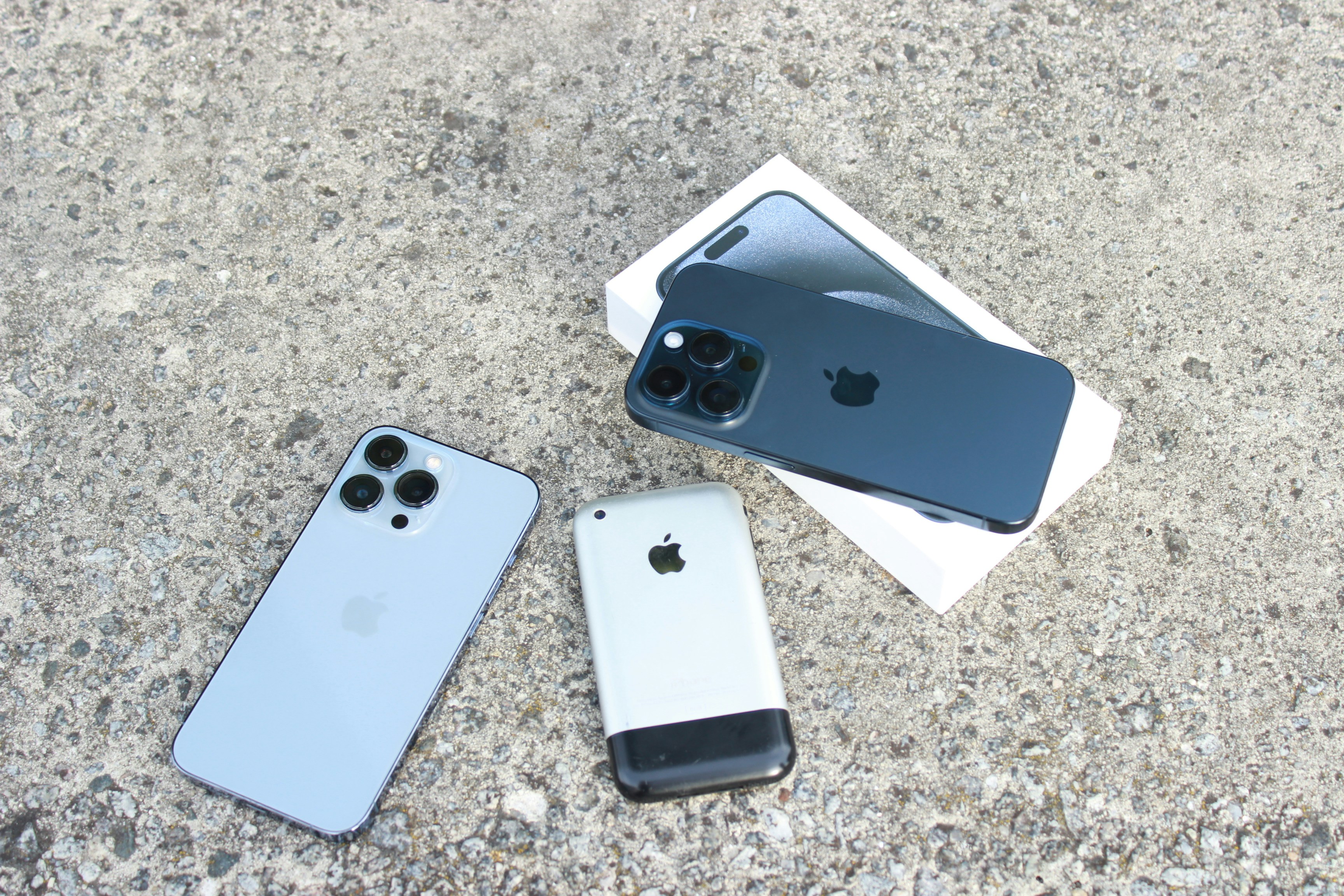
We get this question a lot. Here's the short answer: any iPhone works, but for long term installations we recommend iPhone 12 or newer. If you need USB-C or plan to use the Enao Vision Bridge, go with iPhone 15+.
Why iPhone 12 is our baseline
Enao runs multiple AI models directly on your iPhone — no cloud, everything local. That takes real compute power, and the chip inside your iPhone determines how well it handles it.
Apple introduced a new chip architecture with the iPhone 11, moving AI inference from CPU-only to GPU-accelerated. Big difference in speed. But the iPhone 11 was the first generation — we ran into quirks and bugs that we've since worked around. It runs stable now, but it's not our recommended starting point.
iPhone 12 is where things get solid. Second-generation chip. Reliable. Fast enough for high-speed production lines.
Can you use older iPhones? Yes. Will they work? Yes. But on fast lines with high inspection frequency, older models get warm and may struggle to keep up. For testing or slow lines, they're fine. For long term installations, start with iPhone 12.
Battery life: not a factor
Apple has improved battery life over the years, but even on older models we haven't seen battery issues in production. The iPhones are plugged in and charging in most setups anyway. Don't let battery influence your buying decision. There is a fun video of HDX Studio on YouTube on iPhone battery life. Check it out.
Why not an iPad?
iPads work with Enao. But we'd stick with iPhones. The device is mounted on the line — you're not looking at the screen. A bigger display just uses more battery and takes up more space for no real benefit.
iPhone 15 and USB-C: why it matters
Starting with iPhone 15, Apple switched from Lightning to USB-C. That opens up two things that matter on the shop floor:
Ethernet for unstable Wi-Fi. Some production halls have terrible Wi-Fi. With USB-C, you can plug in a LAN adapter that also charges the iPhone at the same time — rock-solid connection, no dropouts. We recommend the Belkin 100W USB-C / Ethernet and Charger Adapter.
Enao Vision Bridge. We're developing the Bridge to send 24V signals directly to your PLC. It connects via USB-C. If you plan to use signal output, you need an iPhone 15 or newer.
Standard vs. Pro: when the third camera matters
For most use cases, the standard iPhone camera is more than enough. Our AI models use relatively low-resolution images, and Apple's cameras have been excellent for years.
The Pro gives you one thing that can make a real difference: a third camera with wide-angle and macro mode.
Wide-angle is useful if your products are large and defects are also large. Instead of mounting multiple iPhones to cover the full surface, one Pro in wide-angle mode might do the job. Saves you devices and licenses.
Macro is useful for very small defects - think PCBs or fine surface textures. The Pro lets you get extremely close, down to microscopic detail.
Rule of thumb: Start with a standard iPhone. Get the Pro only if you need wide-angle for large products or macro for tiny defects.
Quick reference
Basic testing, slow lines — Any iPhone (even older models)
Production use, stable performance — iPhone 12+
USB-C adapters, LAN connection — iPhone 15+
Enao Vision Bridge (24V signal output) — iPhone 15+
Wide-angle or macro inspection — Any Pro model
Not sure? Just start.
Download the app on whatever iPhone you have. Run a few inspections. You’ll know fast enough whether you need to upgrade — and most people don’t.