Closing the quality control gap for manual assembly
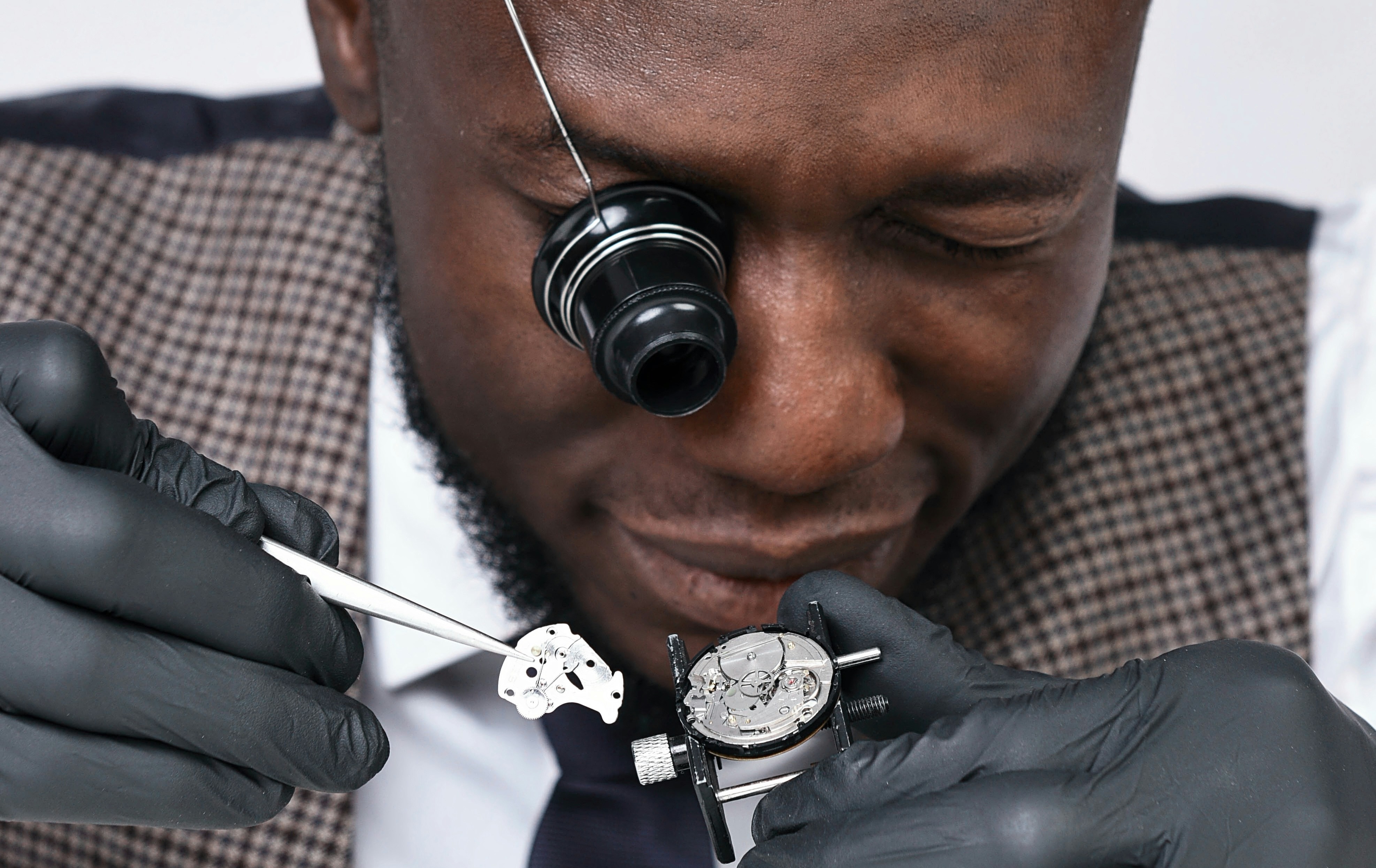
Most factories today still use automated quality control on the conveyor belt. Machine vision inspection cameras are set in specific spots to scan items at high speeds. This last-stage “gatekeeping” setup was a practical solution due to technology limitations for decades. But with developments in AI today, defects can be caught much earlier. In this post, we are focusing on how manual assembly stations can also benefit from automated quality control support.
Defects created in manual steps become more costly later on. Defective lots are written off. Warranty claims cost time and money. But quality inspection hardware that is difficult to adjust was not practical for these stations. People might assemble parts, add subcomponents, or do finishing work in a slightly different way each time.
Now, AI-assisted quality checks can increase efficiency and consistency for these manual steps. For example, a paper published by Cornell University showed how AI used with CAD to replace human judgement on die dimensions can reduce inspection time by 20%. The same paper showed that models had a measurement error of only 2.4% even with limited data.
With the latest AI models and small enough devices, people can use quality inspection to improve their work.
How AI-powered defect detection tools can help manual assembly
Increased defect detection
According to IMEC, 20-30% of defects are missed by human inspectors. Common reasons are inconsistencies and fatigue. In contrast, research by Sarvesh Sundaram and Abe Zeid from Northeastern University showed that AI-based inspection for manufacturing reported a 99.86% accuracy in one benchmark for casting process inspection.
Lowered costs of catching upstream
Today, having AI-powered defect detection at every stage is not a cost factor, but a cost saver. As mentioned earlier, defective items are costly to fix, throw away, or refunded to an upset customer. Choosing the right quality control solution can reduce these occurrences.
Easier installation with lower risks
Now, quality control solutions like Enao Vision are much more flexible than a few years ago. For example, our iPhone-based solution can be easily installed at a work station. Staff know how to use smartphone apps and can adjust the iPhone mount. You can test solutions like ours for one or two stations before investing more, lowering your risk for trying new technology.
Adding an AI team member
AI usually doesn’t fully replace a human: it works together to improve human work. For example, today’s machine inspection can detect defects and describe them for a person to fix. This focuses staff energy on what needs to be fixed. This increases the number of items and the number of fixes people at manual work stations can catch daily.
Using self-improving AI and the latest compact cameras
Older, specialized industrial hardware was costly to adopt, maintain and adjust. For years, the iPhone has proven that consumer cameras take billboard quality photos. That’s good enough for many quality control uses. On top of that, AI detection systems now use self-improving software. They continue to add data from scanned items to actively learn and improve. Even after initial optimizations, a self-learning AI defect detection system will continue to lower costs.
How to use AI-assisted quality control at manual work stations
Now that you understand the benefits of AI for your production line, we can list out some ways you can add them. We have included historical challenges for defect detection at manual work stations, and how to solve them with today’s machine vision inspection setups.
Past Challenge | How it happens | Setup solutions |
Different orientation and arrangements | Workers pick up parts, rotate them, or hold them at different angles. | Use an adjustable camera, multi-angle cameras, 3D vision, active lighting calibration, etc. Train the AI model with different views helps robustness. |
Blocked and partial views | People may block parts of the view or their tools get in the way. | Use multiple camera views, mirrors, or reflection surfaces. Reposition parts being inspected. Use AI models that can recognise partial views. |
Lower and inconsistent human speeds | People may use longer and shorter times to get a task done or take breaks. | Install AI defect detection at high-value or error-prone assembly steps. Use flexible inspection approaches, like Enao Vision’s iPhone solution. |
Changing products or customization | People might work with variants or different products in a day. | AI solutions that have transfer learning and active learning makes it useful for many products or variations. |
Lighting issues, reflections, and surface variation | Lighting might vary (shadows, ambient light, tools, individual brightness preferences). | Make use of compact lighting solutions. Depending on the station, use ring lights, structured lighting, polarizers, or adaptive lighting systemsas needed. |
Human placement error | People place things in different ways, leading to variation in position, depth, alignment, etc. | Make the most of your the software settings. Example options include: accepting “fuzzy margins”, feeding real-life data instead of model defects, setting tolerance bands or a small “review zone”. |
Today, AI-powered quality control is more accessible than ever. With solutions like Enao Vision’s, which uses a consumer-grade iPhone, manufacturers can choose where they want to start adding automated quality inspection. Global companies and family-owned businesses alike can begin testing how a solution works in one or two key steps of assembly without stopping production or signing exclusive contracts.
If you would like to see this in action, we encourage you to download Enao Vision’s app to get started for free.